01 Schedule
Plan jobs by crew and day. Keep unassigned work visible and move assignments as priorities change.

SCHEDULE. DISPATCH. INVOICE.
One connected place to plan the work, equip your crews and keep the paperwork moving.
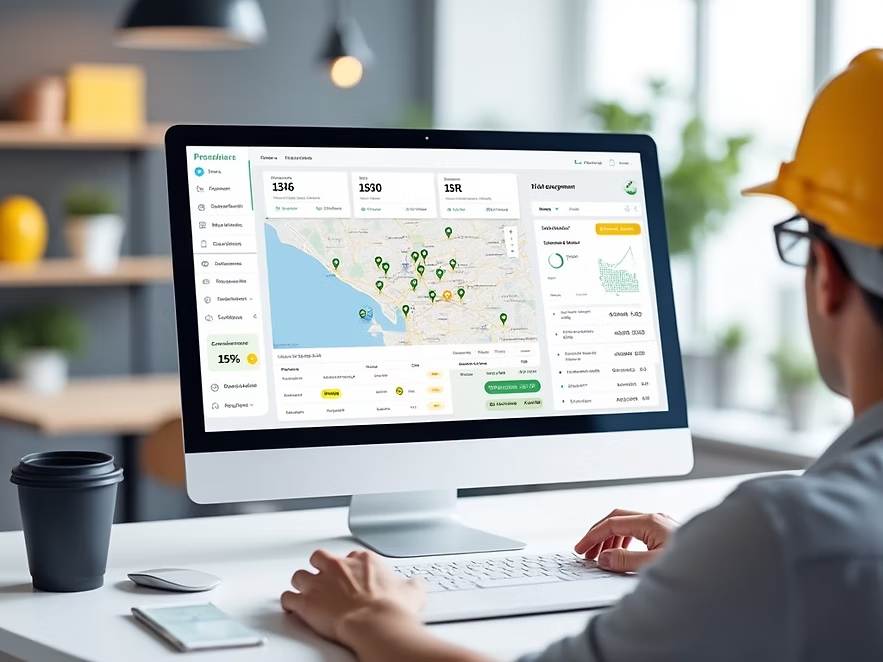
A platform vision for trade companies, service teams and project crews.
Plan jobs by crew and day. Keep unassigned work visible and move assignments as priorities change.
Share site details, timing, contacts and work instructions.
Record services, quantities, notes, photos, safety forms and signatures alongside the job.
Review completed work orders, apply service rates and prepare invoice details.
Review FLHAs, inspections, missing forms and certificates approaching expiry. Build custom forms with checklists, photos and signatures.
Coordinate crews and labourers across jobs, keep unassigned work visible and spot gaps before adding work.
Plan crew rotations while trucks stay assigned to projects. Carry site notes, outstanding tasks and equipment details through each handoff.
A proposed QuickBooks Online connection moves approved work-order details into billing. Each company connects its own account. Created, sent and paid remain distinct statuses.
Assign crews, review completed work and track what is ready for invoicing with a powerful desktop operations dashboard.
A mobile-first view for the field to access job details, record site notes, capture photos and log completions instantly.
Company logo, colours and branded documents.
Service catalogues, rates and work-order fields.
Individual logins and permissions for office and field crews.
Map WorkTrail steps to your existing field operations.
Share a few details about your crews and current workflow, and we’ll follow up with a WorkTrail platform walkthrough.
Promotional concept only. Features confirmed before launch. Screens are illustrative.
Explore a WorkTrail walkthrough built around your crews, your jobs and the paperwork that follows.
Request a walkthrough